


Sedna Calendar
No app switching, no missed invites.
View, create, and manage events in Sedna Calendar.
Why your teams will work better with Sedna Calendar.
See everything, in one place.
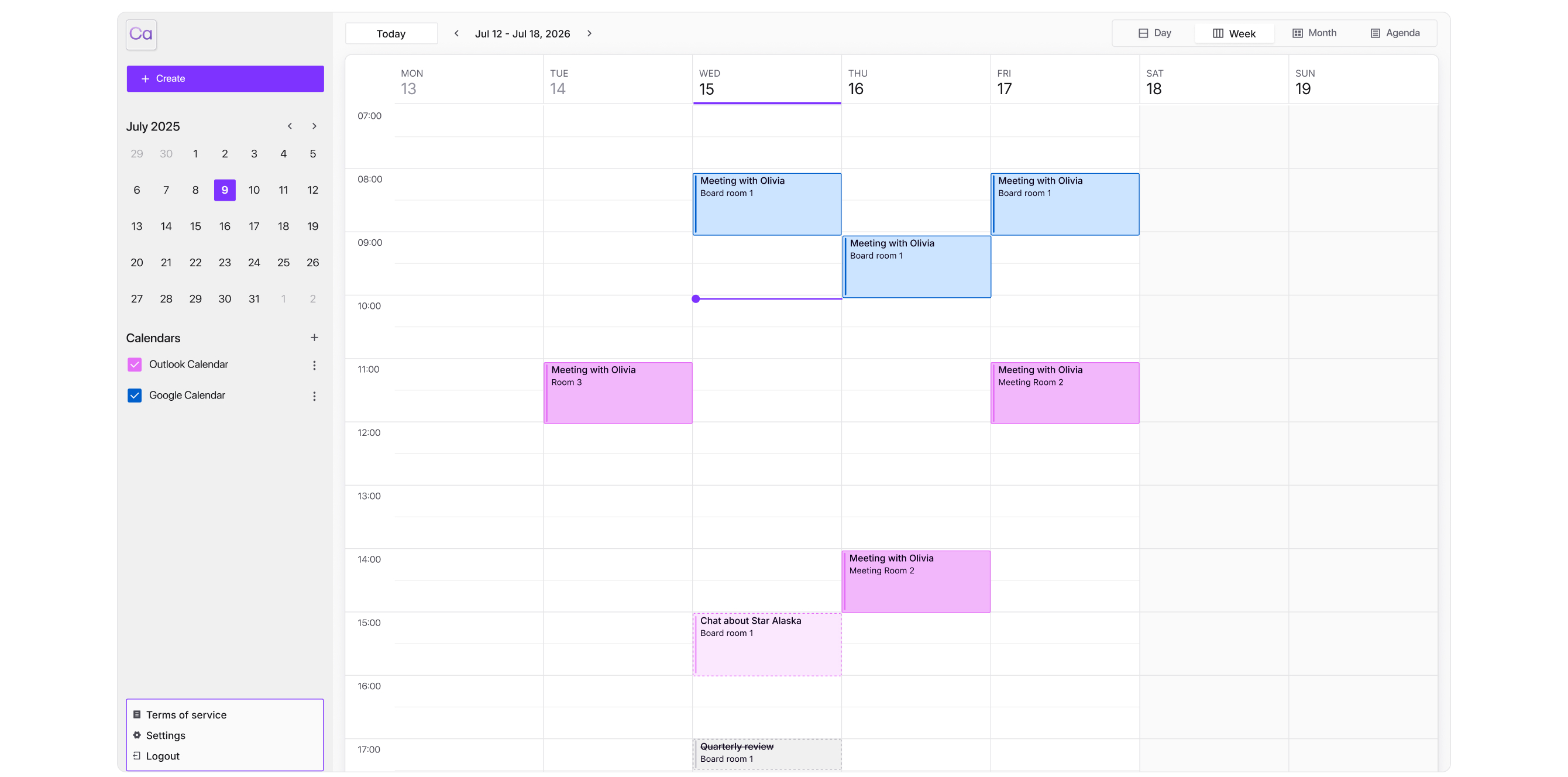
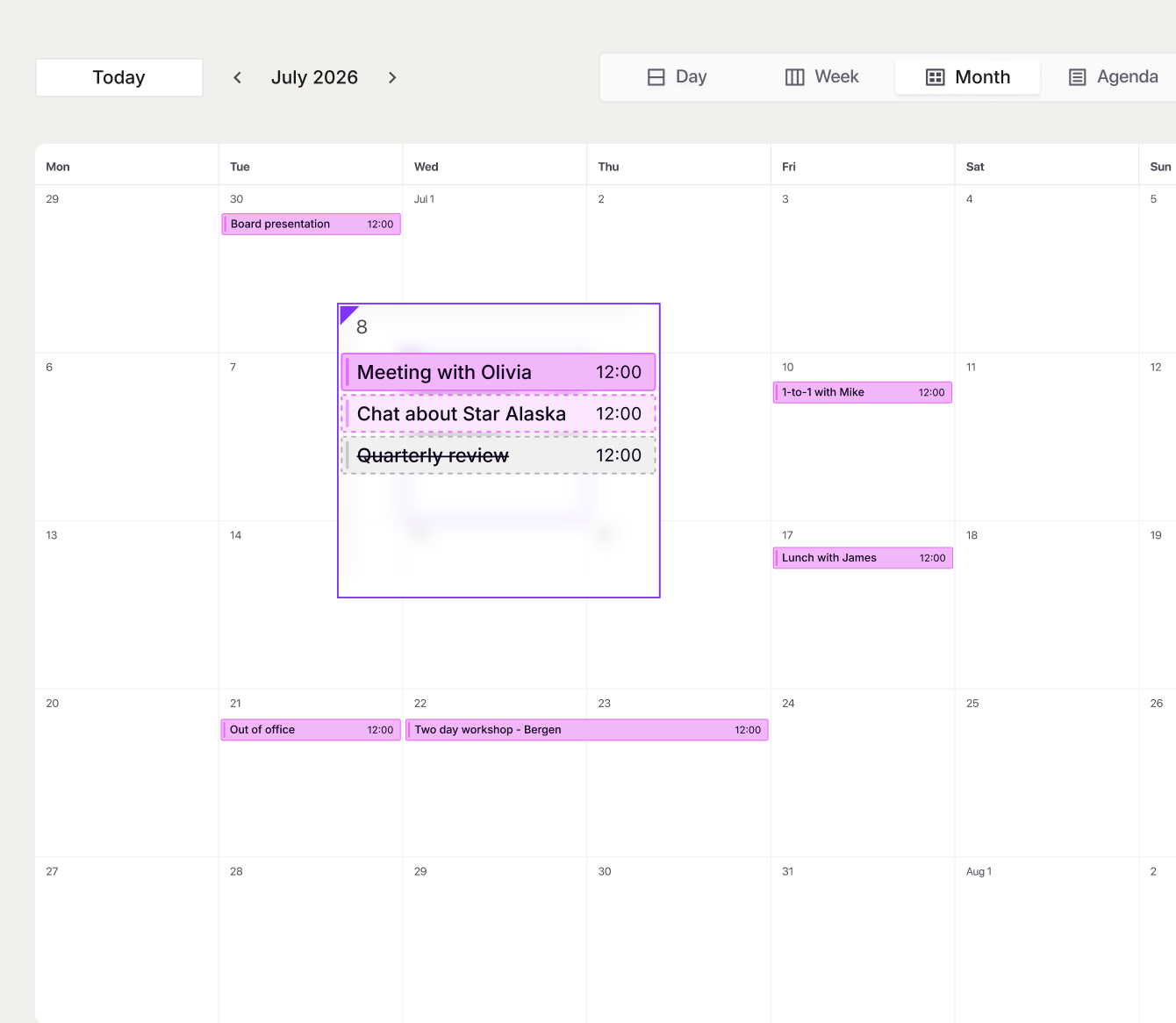
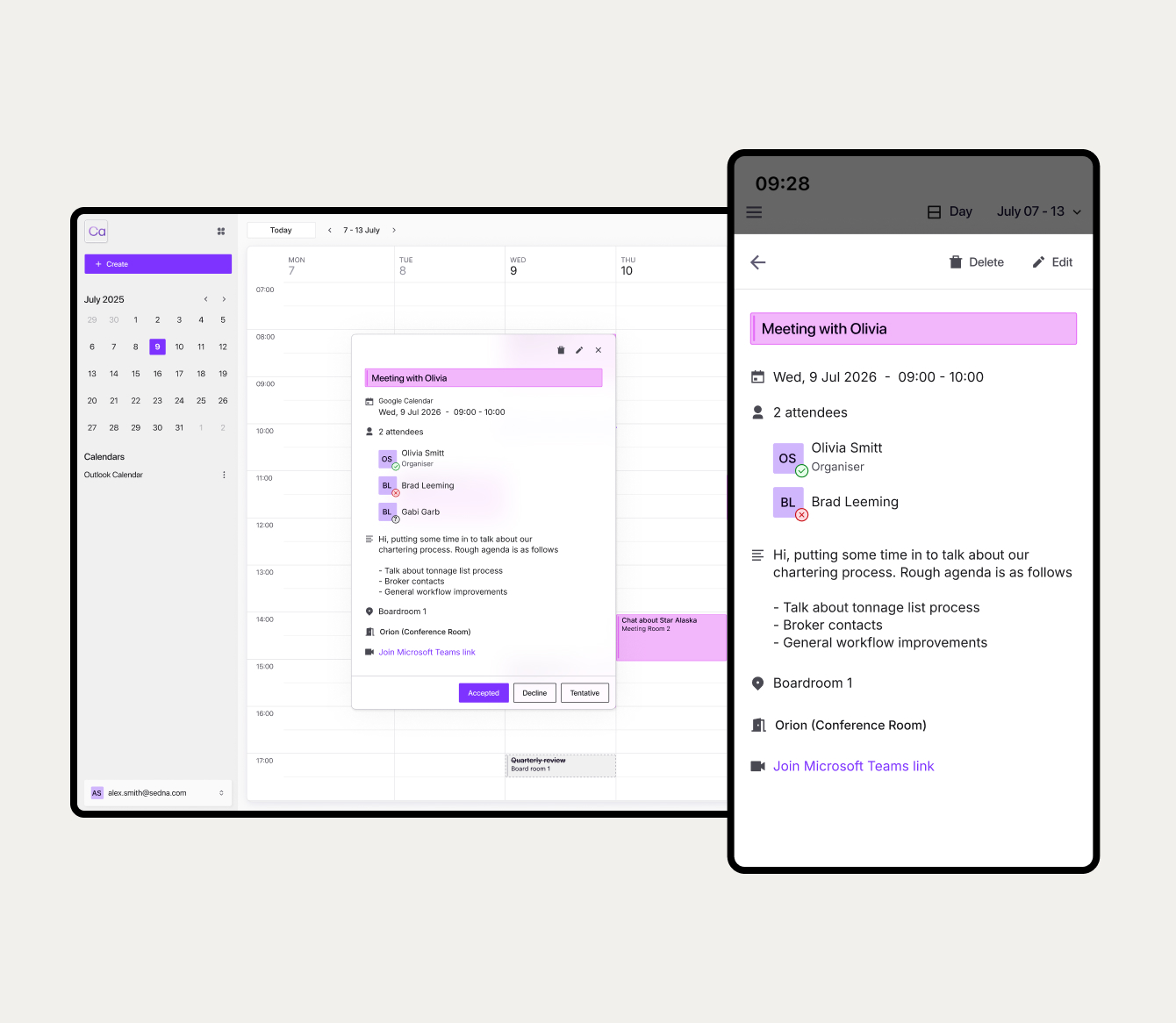
View your full schedule in day, week, or month view opened in a new tab alongside Sedna Email. Your calendar is one click away, not buried in another app.
One calendar, always in sync
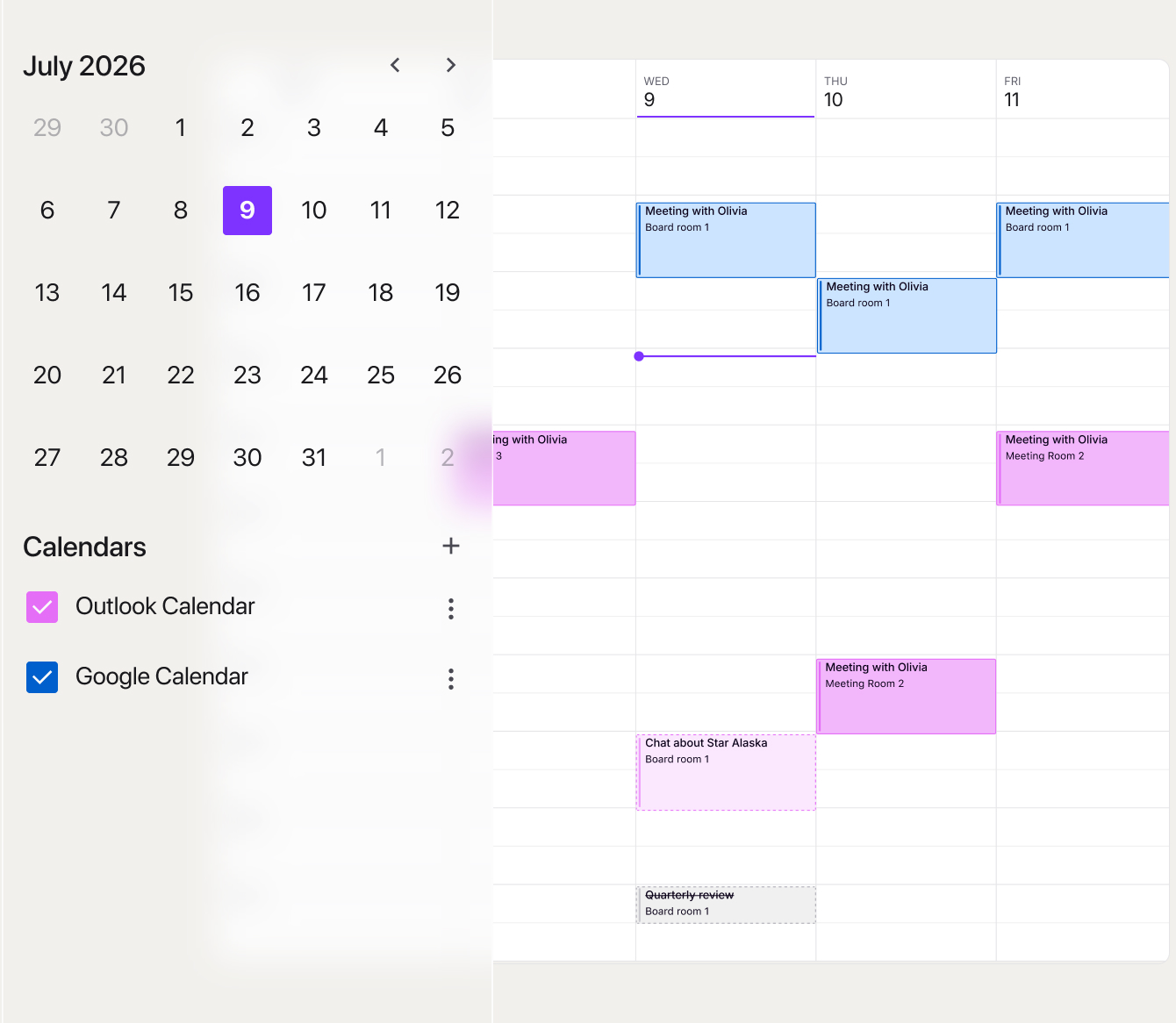
Two-way sync with Microsoft Outlook. Changes in your Sedna Calendar appear in Outlook instantly, and vice versa.
No duplicates. No manual updates.
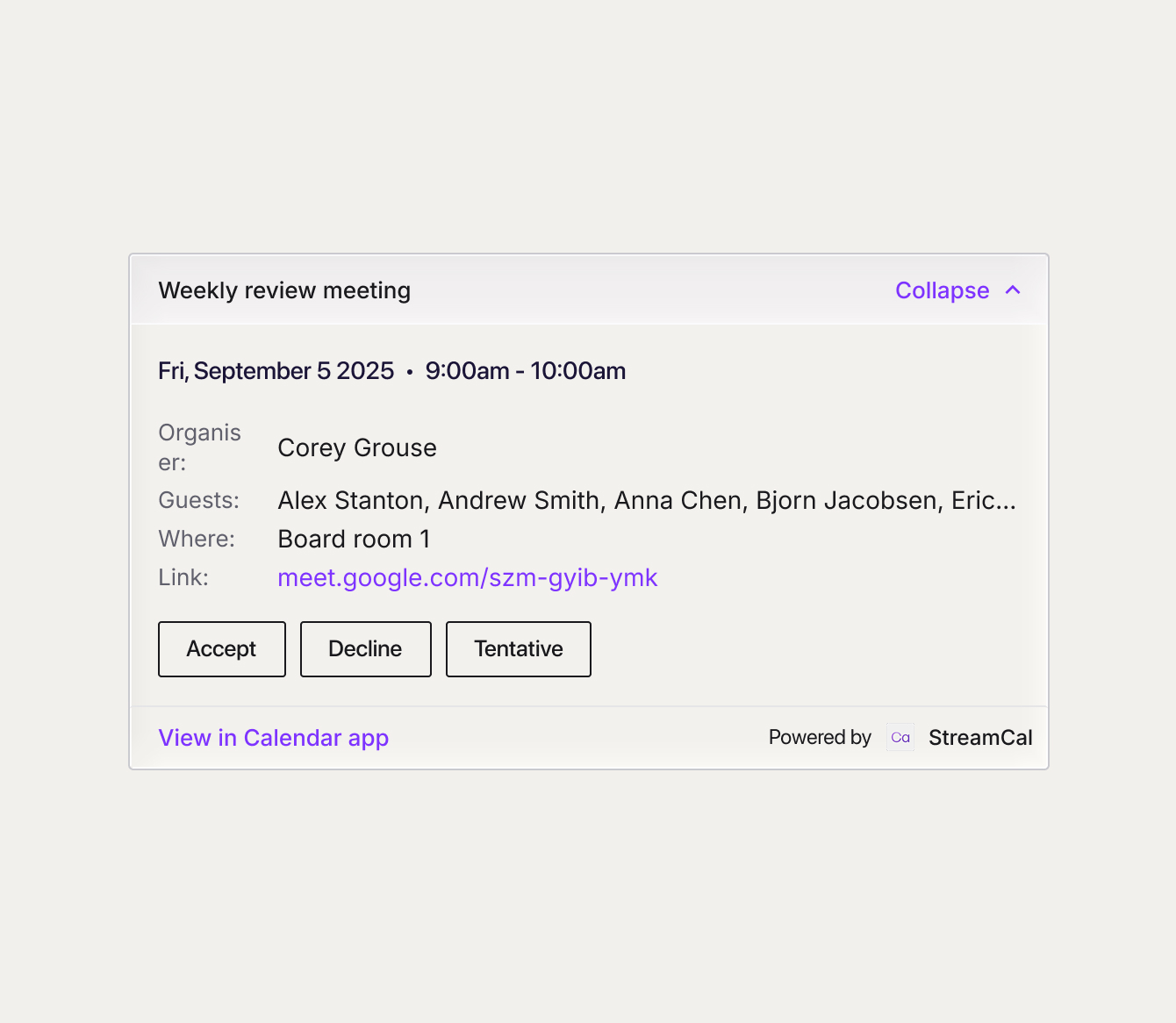
RSVP invites without leaving Sedna.
Accept, decline, or mark invites as tentative in one click. Create meetings, attach Microsoft Teams links, and invite attendees. Scheduling shouldn't slow down collaboration, it should drive it.
Works on desktop and mobile
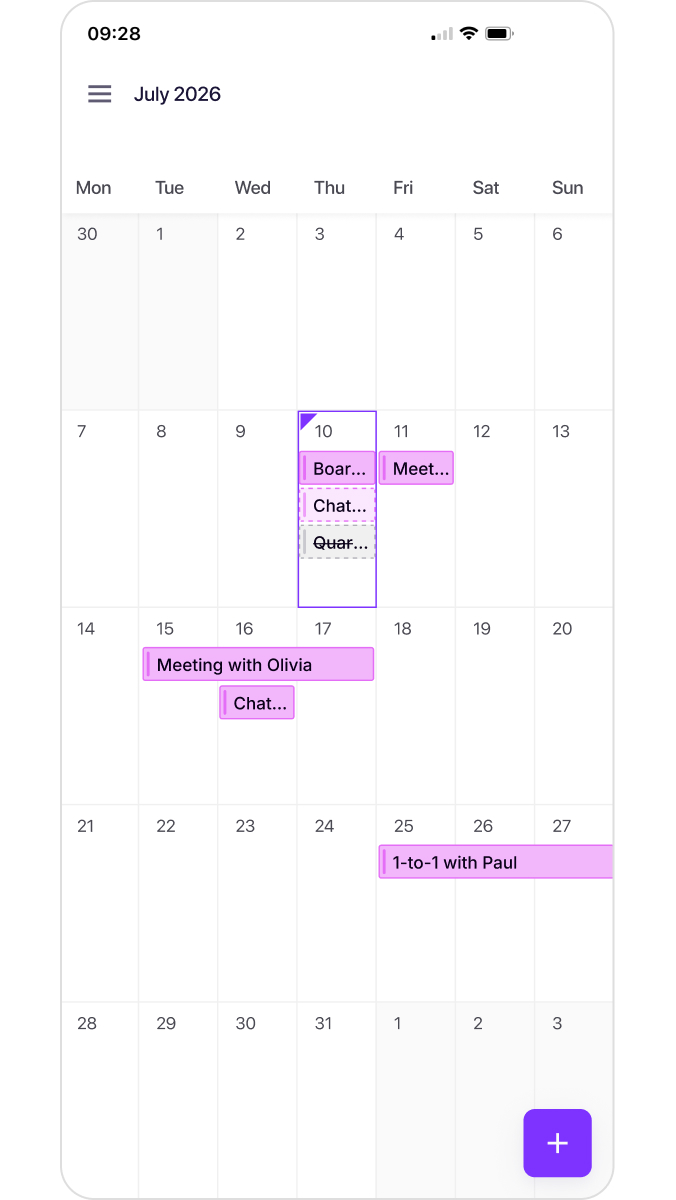
Ship, shore, or office. Same calendar, same sync, wherever you're working. Shipping never stops, so neither should your calendar.
Security isn’t a feature. It’s our foundation.
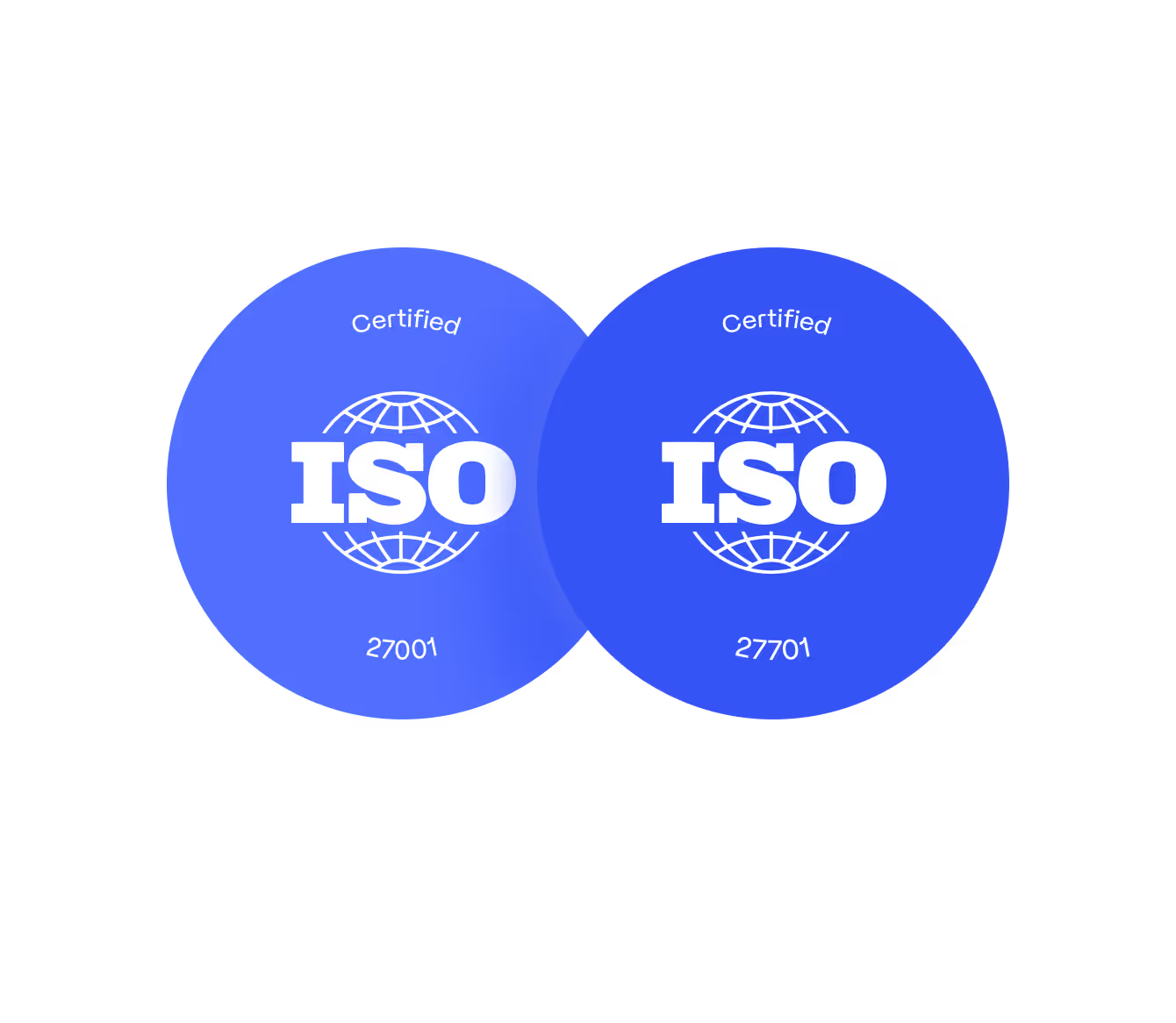
ISO 27001 and ISO 27701 certified, Sedna Email is built on a foundation shipping companies can trust. End-to-end encryption, multi-factor authentication, continuous threat monitoring, and full audit trails. All backed by a 99.9% uptime guarantee.

User Data: Outlook Calendar
Sedna Calendar uses Microsoft Outlook Calendar access only to display your events and let you manage invitations inside Sedna. We do not store the contents of your calendar events. We only sync calendar data, never emails, contacts, or files. See our Privacy Policy for full details on how your data is handled.
User Data: Google Calendar (coming soon)
Sedna Calendar uses Google Calendar access only to display your events and let you manage invitations inside Sedna. We do not store the contents of your calendar events. We only sync calendar data, never emails, contacts, or files. See our Privacy Policy for full details on how your data is handled.